
Download Desktop Modify 1.2.1 – Desktop, Icon, Arrange, Organize, Visual, Design, Customize, Theme, Christmas, Nature
Overview
Desktop Modify 1.2.1 is a lightweight utility tool designed to help users reorganize their desktop icons in visually engaging and structured ways. The application targets individuals who struggle with desktop clutter but still wish to maintain easy access to essential files and shortcuts. By enabling users to arrange icons into predefined layouts and thematic designs, the tool offers a simple solution to enhance visual coherence without relying on folder structures. It is particularly useful for those who value aesthetics in their digital workspace while preserving functionality.
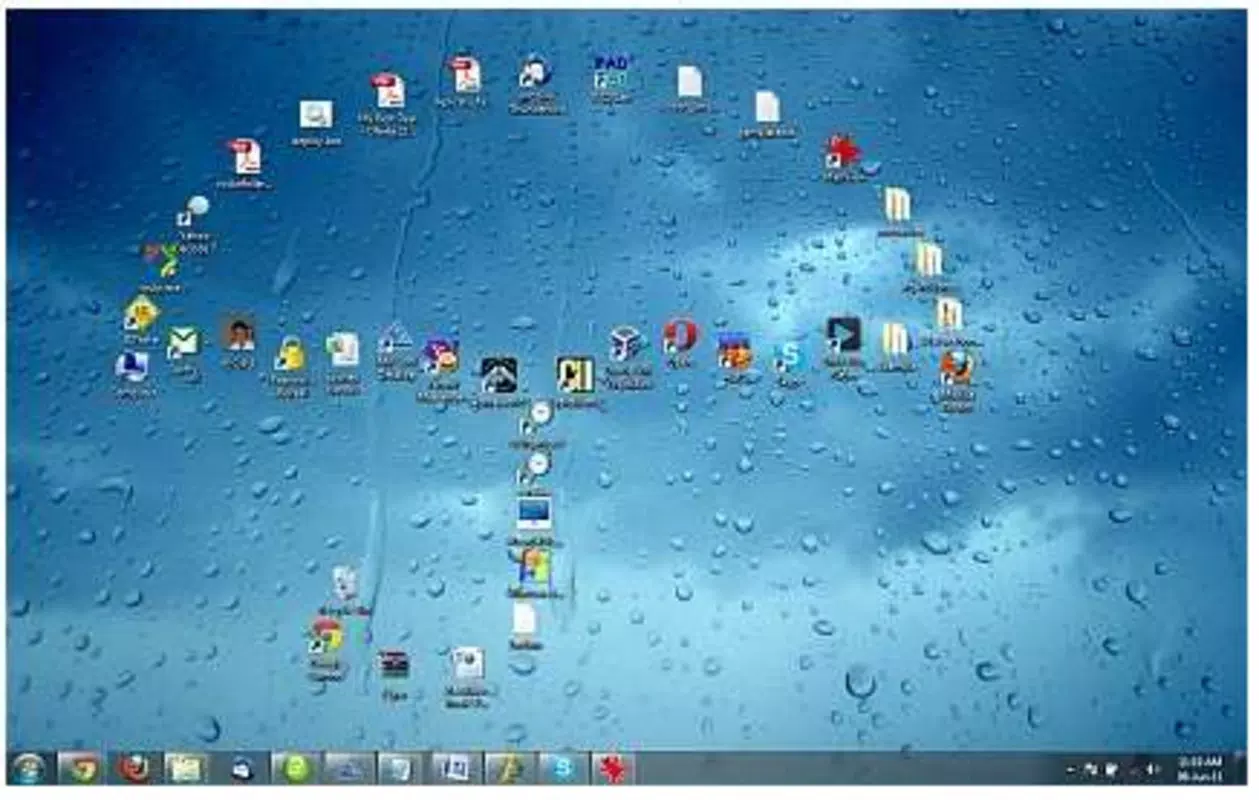
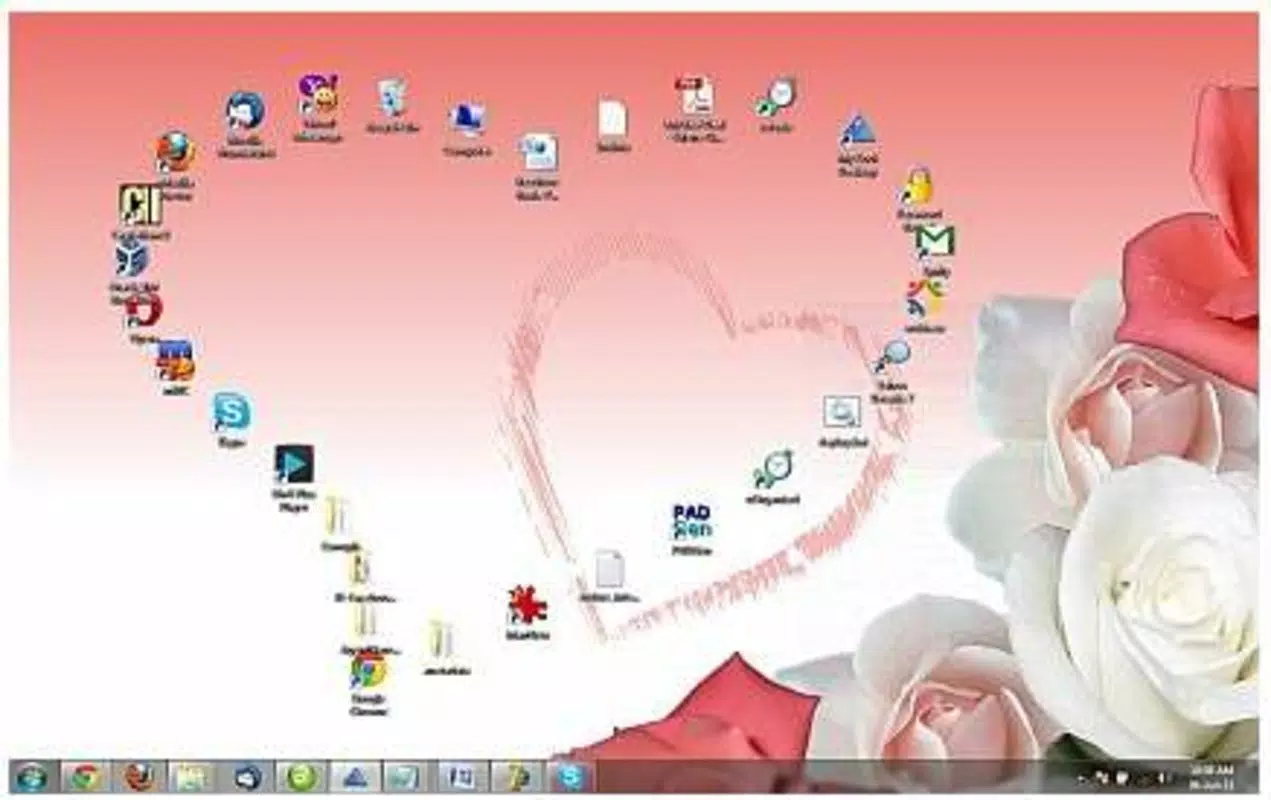
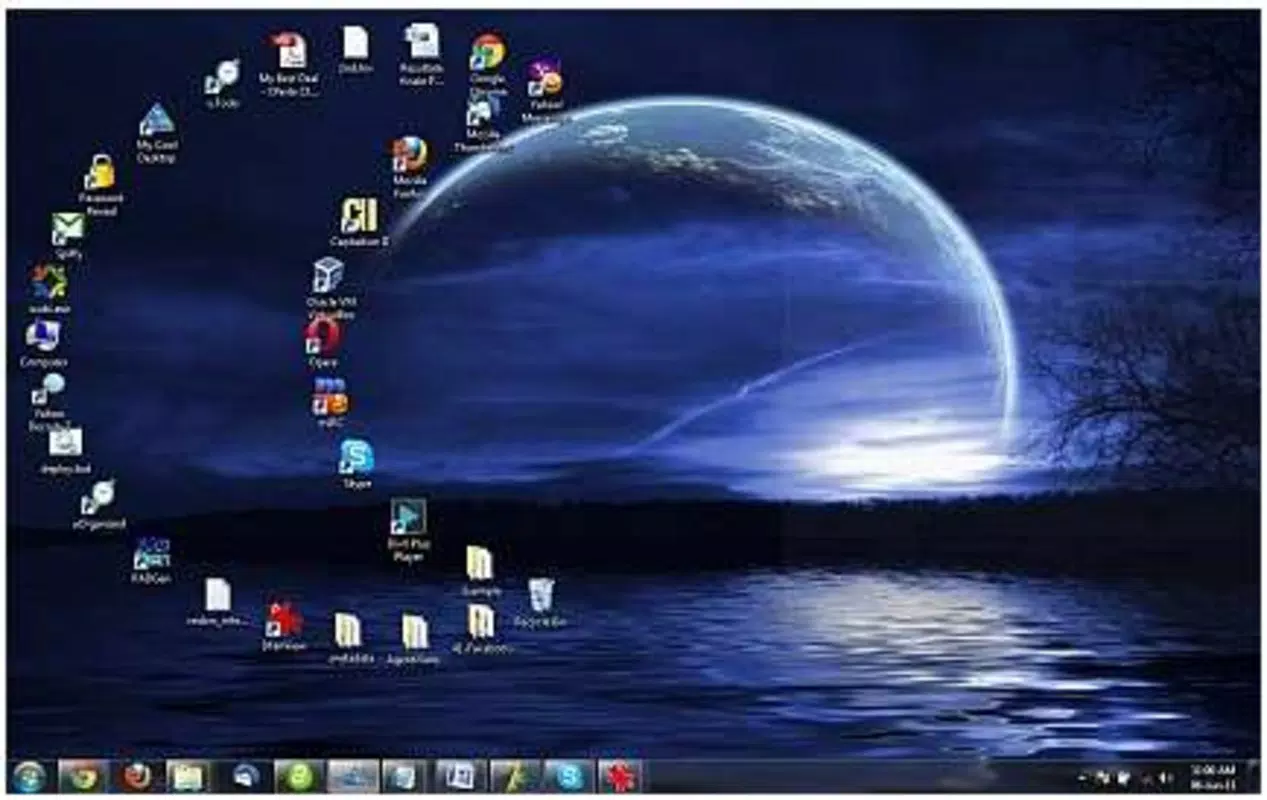
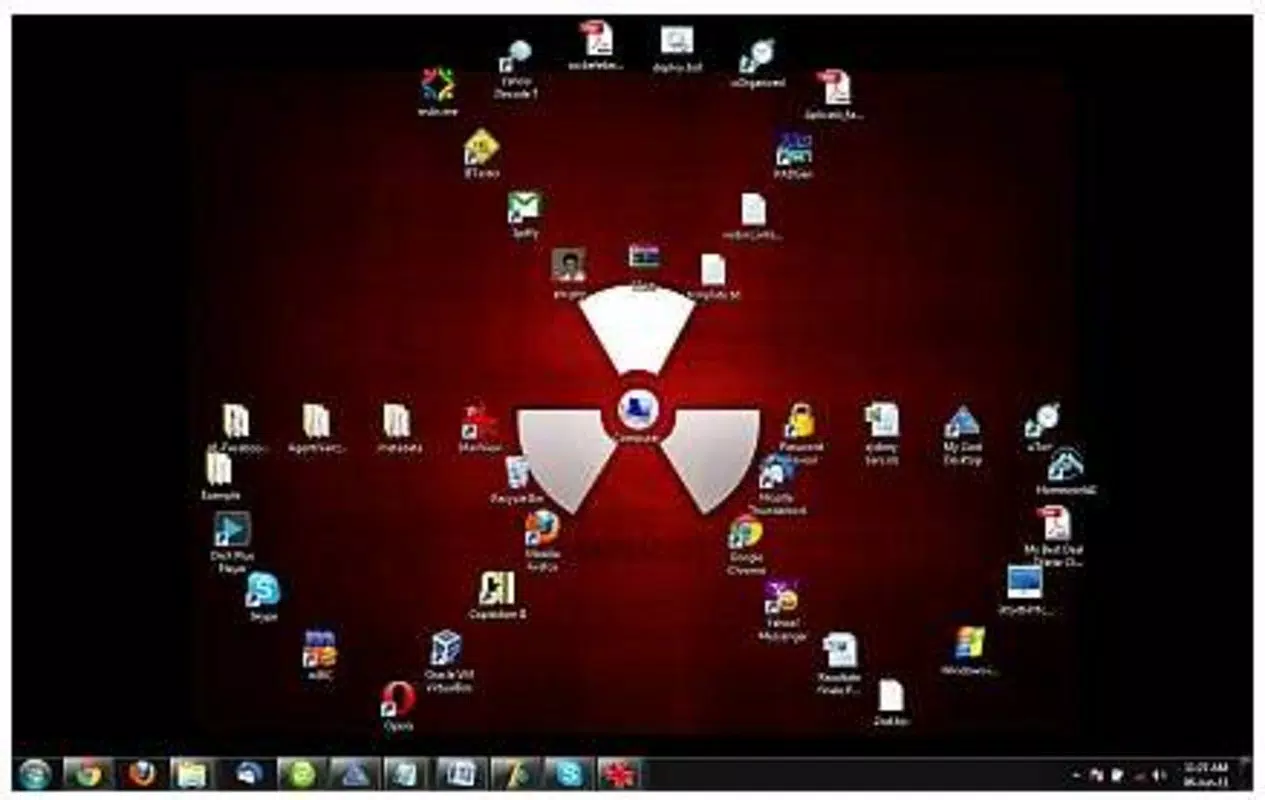
Developed by Eddie C. Reardon, Desktop Modify 1.2.1 serves as a niche productivity utility that bridges the gap between organization and personal expression. The software supports creative arrangements such as hearts, circles, and stars, allowing users to align their desktop layout with seasonal themes like Christmas or natural motifs like Nature. These features cater to users who want to transform their desktop into a dynamic, expressive environment. Real-world use cases include personal workspaces, digital art displays, and seasonal desktop customization for holidays or special events.
Although the developer did not provide additional technical details, the app’s long-standing presence in the productivity space—first released in 2013—suggests reliability and consistent user demand. Its minimal file size of 2.5 MB indicates low system resource usage, making it accessible even on older Windows systems. As a free tool, it remains a valuable option for users seeking a straightforward way to personalize their desktop without the complexity of third-party software.
Key Features & Functionality
- Customizable Icon Designs: Users can select from a range of predefined layouts or craft their own unique arrangements. This flexibility allows for personalization based on mood, season, or aesthetic preference, making the desktop a reflection of individual style.
- Simple Drag-and-Drop Interface: The intuitive interface enables users to reposition icons effortlessly. This low-learning-curve feature ensures that even beginners can achieve professional-looking layouts in minutes.
- Thematic Grouping: The tool supports grouping icons under seasonal and artistic themes such as Christmas and Nature. This not only enhances visual appeal but also helps users align their desktop with current events or personal interests.
- Creative Shapes: Icons can be arranged into geometric and symbolic shapes—like hearts, circles, and stars—offering a dynamic way to organize content while complementing wallpaper designs and overall desktop harmony.
- Ideal for Cluttered Desktops: Designed specifically for users with disorganized desktops, Desktop Modify 1.2.1 provides a tidy appearance without requiring folder creation. Essential items remain visible and accessible, maintaining both order and usability.
For example, a user preparing for the holiday season might use the Christmas theme to arrange icons into a snowflake shape, enhancing the festive atmosphere. Similarly, someone with a nature-themed wallpaper could group icons into a leaf pattern to create visual continuity. These practical applications demonstrate how the tool supports both productivity and personalization.
Interface, UX & Performance
The user interface of Desktop Modify 1.2.1 is minimal and focused on functionality, with a clean layout that prioritizes ease of use. The main window provides quick access to layout options, theme presets, and shape templates, all organized in a straightforward manner. Navigation is intuitive, relying on drag-and-drop mechanics that require no complex commands or technical knowledge.
Visual design is simple and unobtrusive, avoiding unnecessary animations or distractions. This ensures that the user’s attention remains on the desktop layout process. The application responds promptly to user input, with minimal lag during icon repositioning. Although the developer did not list formal performance metrics, the app’s small file size of 2.5 MB suggests efficient resource usage and compatibility with older or low-end systems.
Stability appears to be consistent, given the software’s long release history. The application does not appear to generate frequent crashes or errors, which is crucial for a tool used to manage desktop organization. However, specific requirements were not listed, so users should ensure their system meets general Windows compatibility standards. Overall, the UX is streamlined and effective for its intended purpose.
Platform Compatibility & Technical Requirements
Desktop Modify 1.2.1 is designed for the Windows platform, making it accessible to a broad user base on desktop operating systems. The software version is 1.2.1, with a file size of 2.5 MB, indicating a lightweight installation that requires minimal disk space. The developer did not specify minimum OS requirements, so compatibility with specific Windows versions (such as Windows 7, 8, or 10) cannot be confirmed.
Given its release date of February 4, 2013, the tool likely supports older Windows editions, but users should verify system compatibility before installation. The app is free to download and use, with no in-app purchases or subscription models. As no platform-specific limitations were mentioned, it is reasonable to assume broad accessibility across standard Windows environments. However, the developer did not disclose whether it supports modern Windows features like high DPI scaling or touch interfaces.
Pros and Cons
Pros
- Free to download and use, making it accessible to all users.
- Lightweight with a small file size of 2.5 MB.
- Intuitive drag-and-drop interface suitable for beginners.
- Supports thematic and creative icon arrangements.
- Helps organize cluttered desktops without folder creation.
Cons
- Specific system requirements were not listed.
- No information on updates or future development.
- Compatibility with modern Windows versions is uncertain.
- Only available for Windows, limiting cross-platform use.
- Limited to desktop icon organization—no additional file management features.
FAQ
Is Desktop Modify 1.2.1 safe to download and install?
Yes, the app is free and available from trusted sources. As it is a lightweight utility with no known malware reports, it is considered secure for standard Windows environments.
Can I use Desktop Modify on Windows 10 or Windows 11?
The developer did not specify compatibility with Windows 10 or 11. However, given its age and small size, it may function on these systems, though performance and visual scaling are not guaranteed.
Does Desktop Modify require an internet connection?
No, the application operates offline. Once installed, it does not require internet access to function.
Is there a mobile version of Desktop Modify?
Currently, Desktop Modify is only available for Windows. There is no official mobile version for Android or iOS.
How often is Desktop Modify updated?
There is no publicly available information on update frequency. The last known version was released in 2013, so updates may be infrequent or discontinued.
Final Thoughts
Desktop Modify 1.2.1 stands out as a niche yet effective tool for users who want to transform their cluttered desktops into visually appealing, organized spaces. Its ability to arrange icons into creative shapes and thematic designs offers a unique blend of functionality and personal expression. While it lacks modern features and update support, its simplicity, low resource usage, and free access make it a worthwhile option for Windows users seeking a lightweight desktop customization utility.
Those who value aesthetics in their workspace—especially during holidays or special events—will find the app particularly useful. It’s ideal for beginners, casual users, and anyone looking to enhance their digital environment without complexity.
Download Desktop Modify now


